LangChain Chains - Hands-on Coding Guide
LangChain Chains via coding examples
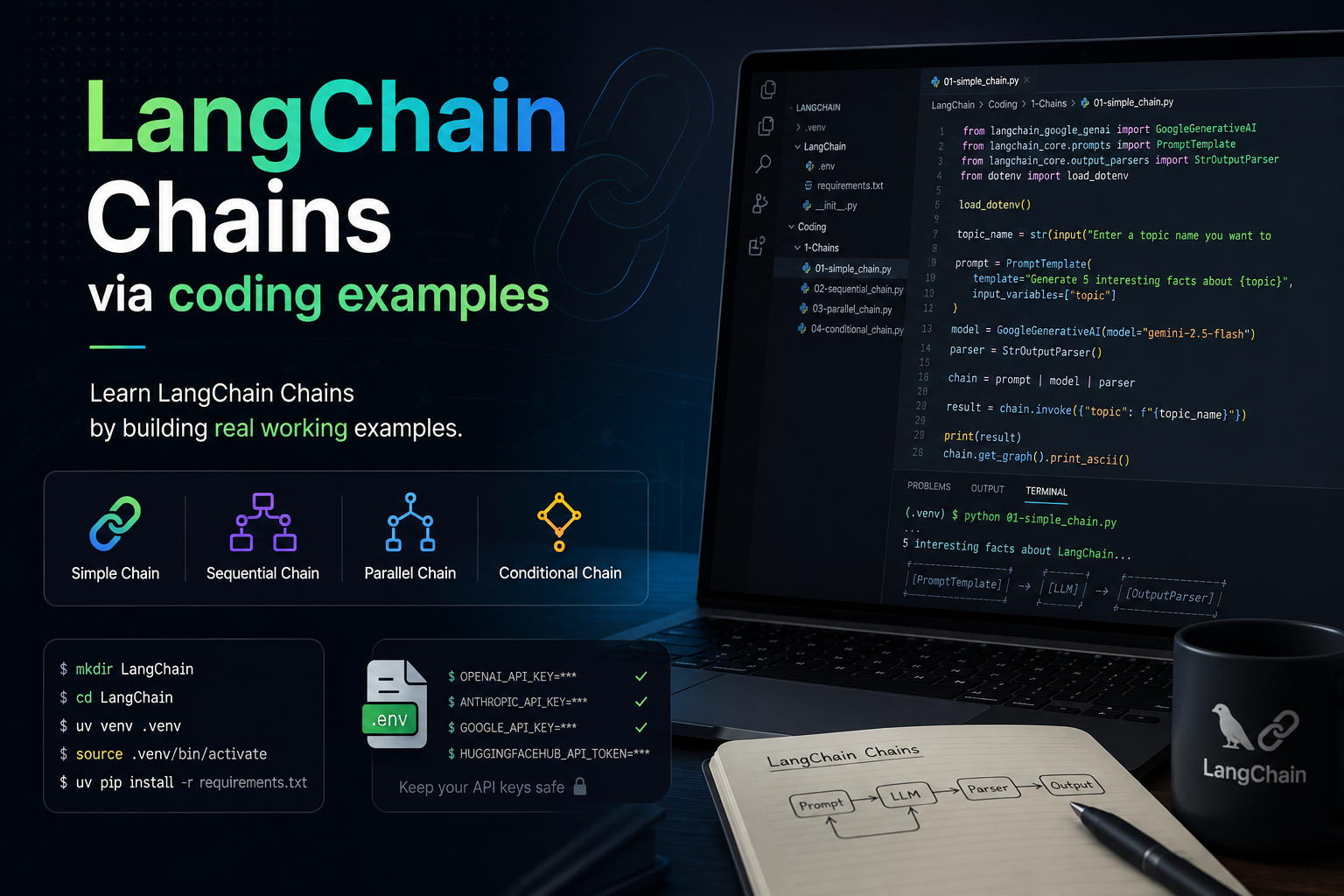
Learn LangChain Chains by building real working examples.
Create Project Structure
What it does: Sets up the base directory for the LangChain project. How it works: Uses standard shell commands to create a folder and navigate into it.
mkdir LangChain
cd LangChain
template-project-structure.py
What it does: This script automates the creation of a standardized project directory structure.
How it works: It iterates through a list of file paths defined in list_of_files. Using pathlib for robust path handling and os.makedirs, it ensures all parent directories exist. It then creates the files if they are missing or empty, injecting basic boilerplate comments for specific files like .env and __init__.py.
from pathlib import Path
import os
import logging

# Set up basic logging for feedback
logging.basicConfig(level=logging.INFO, format='%(levelname)s: %(message)s')

project_name = "LangChain"

list_of_files = [
    f"{project_name}/requirements.txt",
    f"{project_name}/.env",
    f"{project_name}/__init__.py",
    f"{project_name}/Coding",
    f"{project_name}/Coding/1-Chains",
    f"{project_name}/Coding/1-Chains/01-simple_chain.py",
    f"{project_name}/Coding/1-Chains/02-sequential_chain.py",
    f"{project_name}/Coding/1-Chains/03-parallel_chain.py",
    f"{project_name}/Coding/1-Chains/04-conditional_chain.py",
]

for filepath in list_of_files:
    full_path = Path(project_name) / filepath if not filepath.startswith(project_name) else Path(filepath)

    # 1. Split the path into directory and filename
    filedir = full_path.parent
    filename = full_path.name

    # 2. Create directories if they don't exist
    if filedir:
        os.makedirs(filedir, exist_ok=True)
        # logging.debug(f"Created directory structure: {filedir}")

    # 3. Create file if it doesn't exist or is empty
    if not full_path.exists() or os.path.getsize(full_path) == 0:
        if filename != "":
            with open(full_path, "w") as f:
                if filename == '__init__.py':
                    f.write("# This file makes the directory a Python package.\n")
                elif filename == '.env':
                    f.write("# Store sensitive configurations (e.g., GOOGLE_API_KEY, OPENAI_API_KEY, ANTHROPIC_API_KEY, HUGGINGFACEHUB_API_TOKEN)\n")
                else:
                    f.write("# Initial file content.\n")
            logging.info(f"Created empty file: {full_path}")
        else:
             logging.info(f"Directory ensured: {full_path}")
    else:
        logging.info(f"File already present and non-empty: {full_path}")
python3 template-project-structure.py
What it does: Executes the script to generate the physical file structure. How it works: Runs the Python interpreter on the template script created in the previous step.
Note: This is just a file structure and not code. You can modify it according to your needs.
To install uv refer https://docs.astral.sh/uv/getting-started/installation/
# Create a virtual environment named .venv
uv venv .venv

# Activate the virtual environment
source .venv/bin/activate
What it does: Creates and activates a localized Python environment.
How it works: Uses uv (a fast Python package manager) to create a .venv directory containing a private Python interpreter and then “activates” it so any subsequent pip installs are isolated to this project.
vim requirements.txt
requirements.txt
What it does: This file lists all the Python packages required to run the LangChain examples.
How it works: It uses standard pip formatting to specify langchain core libraries, specific model provider integrations (Google, OpenAI, Anthropic, Hugging Face), and utility libraries for environment variables and machine learning tasks.
# LangChain Core
langchain
langchain-core

# OpenAI Integration
langchain-openai
openai

# Anthropic Integration
langchain-anthropic

# Google Gemini (PaLM) Integration
langchain-google-genai
google-generativeai

# Hugging Face Integration
langchain-huggingface
transformers
sentence-transformers
huggingface-hub

# Environment Variable Management
python-dotenv

# Machine Learning Utilities
numpy
scikit-learn
torch
grandalf
Install Dependencies
uv pip install -r requirements.txt
What it does: Installs all the libraries listed in the requirements file.
How it works: uv pip install reads the requirements.txt and downloads the specified versions of LangChain and its dependencies into the virtual environment.
.env
What it does: Stores sensitive configuration data and API keys.
How it works: It uses a key-value pair format that is loaded into the system environment variables at runtime by the python-dotenv library, keeping secrets out of the source code.
OPENAI_API_KEY="your-openai-api-key"
ANTHROPIC_API_KEY="your-anthropic-api-key"
HUGGINGFACEHUB_API_TOKEN="your-huggingface-api-token"
GOOGLE_API_KEY="your-google-api-key"
Note: This .env file is just for reference. You should replace the values with your actual API keys. You can get the API keys from the respective providers. For OpenAI API Key get it from platform.openai.com. For Anthropic API Key get it from claude.ai. For Hugging Face API Key get it from huggingface.co. For Google API Key get it from google ai studio.
Warning: Don’t commit .env file to git repository. It contains sensitive information.
1-Chains
cd Coding/1-Chains
vim 01-simple_chain.py
01-simple_chain.py
What it does: This script demonstrates the most basic form of a LangChain Expression Language (LCEL) chain.
How it works: It uses the pipe operator (|) to connect a PromptTemplate, a GoogleGenerativeAI model, and a StrOutputParser. The flow is: User Input -> Prompt Template -> LLM -> String Output. The chain.invoke() method passes the input through this entire pipeline in one go.
from langchain_google_genai import GoogleGenerativeAI
from langchain_core.prompts import PromptTemplate
from langchain_core.output_parsers import StrOutputParser
from dotenv import load_dotenv

load_dotenv()

topic_name = str(input("Enter a topic name you want to get 5 intresting facts about: "))

prompt = PromptTemplate(
    template='Generate 5 interesting facts about {topic}',
    input_variables=['topic']
)

model = GoogleGenerativeAI(model="gemini-2.5-flash")

parser = StrOutputParser()

chain = prompt | model | parser

result = chain.invoke({'topic': f"{topic_name}"})

print(result)

chain.get_graph().print_ascii()
vim 02-sequential_chain.py
02-sequential_chain.py
What it does: This example builds a multi-step pipeline where the output of the first stage becomes the input for the second. How it works: It pipes two prompt-model-parser sequences together. The first stage generates a detailed report based on a topic, and the resulting text is automatically passed into the second stage, which transforms that report into a 5-point summary.
from langchain_google_genai import GoogleGenerativeAI
from langchain_core.prompts import PromptTemplate
from langchain_core.output_parsers import StrOutputParser
from dotenv import load_dotenv

load_dotenv()

topic_name = str(input("Enter a topic name you want to intresting facts about: "))

prompt1 = PromptTemplate(
    template="Generate a detailed report on {topic}",
    input=['topic']
)

prompt2 = PromptTemplate(
    template="Generate a 5 pointer summary from the following text \n {text}",
    input=['text']
)

model = GoogleGenerativeAI(model="gemini-2.5-flash")

parser = StrOutputParser()

chain = prompt1 | model | parser | prompt2 | model | parser

result = chain.invoke({'topic': f"{topic_name}"})
print(result)

chain.get_graph().print_ascii()
vim 03-parallel_chain.py
03-parallel_chain.py
What it does: This script demonstrates how to execute multiple independent tasks simultaneously using the same input.
How it works: It utilizes RunnableParallel to run two chains in parallel: one generating notes and another creating a quiz. Both chains receive the same source text. Finally, a merge_chain takes both parallel outputs and combines them into a single coherent document.
from langchain_google_genai import GoogleGenerativeAI
from langchain_huggingface import ChatHuggingFace, HuggingFaceEndpoint
from langchain_core.prompts import PromptTemplate
from langchain_core.output_parsers import StrOutputParser
from langchain_core.runnables import RunnableParallel

from dotenv import load_dotenv

load_dotenv()

# Google Gemini Model
model1 = GoogleGenerativeAI(model="gemini-2.5-flash")

# HuggingFace Model
HuggingFace = HuggingFaceEndpoint(
    repo_id="Qwen/Qwen3-32B",
    task="text-generation"
)

model2 = ChatHuggingFace(llm=HuggingFace)

prompt1 = PromptTemplate(
    template='Generate short and simple notes from the following text \n {text}',
    input_variables=['text']
)

prompt2 = PromptTemplate(
    template='Generate 5 short question answers from the following text \n {text}',
    input_variables=['text']
)

prompt3 = PromptTemplate(
    template='Merge the provided notes and quiz into a single document \n notes -> {notes} and quiz -> {quiz}',
    input_variables=['notes', 'quiz']
)

parser = StrOutputParser()

parallel_chain = RunnableParallel(
    {
        'notes': prompt1 | model1 | parser,
        'quiz': prompt2 | model2 | parser
    }
)

merge_chain = prompt3 | model1 | parser

chains = parallel_chain | merge_chain


text = """
Support vector machines (SVMs) are a set of supervised learning methods used for classification, regression and outliers detection.

The advantages of support vector machines are:

Effective in high dimensional spaces.

Still effective in cases where number of dimensions is greater than the number of samples.

Uses a subset of training points in the decision function (called support vectors), so it is also memory efficient.

Versatile: different Kernel functions can be specified for the decision function. Common kernels are provided, but it is also possible to specify custom kernels.

The disadvantages of support vector machines include:

If the number of features is much greater than the number of samples, avoid over-fitting in choosing Kernel functions and regularization term is crucial.

SVMs do not directly provide probability estimates, these are calculated using an expensive five-fold cross-validation (see Scores and probabilities, below).

The support vector machines in scikit-learn support both dense (numpy.ndarray and convertible to that by numpy.asarray) and sparse (any scipy.sparse) sample vectors as input. However, to use an SVM to make predictions for sparse data, it must have been fit on such data. For optimal performance, use C-ordered numpy.ndarray (dense) or scipy.sparse.csr_matrix (sparse) with dtype=float64.
"""

result = chains.invoke({
    'text': f"{text}"
})

print(result)

chains.get_graph().print_ascii()
vim 04-conditional_chain.py
04-conditional_chain.py
What it does: This advanced example uses logic to route the execution flow based on the content of the input.
How it works: It first uses a classifier_chain with a Pydantic parser to strictly categorize sentiment as ‘positive’ or ‘negative’. The result is then passed to RunnableBranch, which functions like an if-else block, selecting different prompt templates (and potentially different models) based on the classified sentiment.
from langchain_openai import ChatOpenAI
from langchain_anthropic import ChatAnthropic
from dotenv import load_dotenv
from langchain_core.prompts import PromptTemplate
from langchain_core.output_parsers import StrOutputParser
from langchain.schema.runnable import RunnableParallel, RunnableBranch, RunnableLambda
from langchain_core.output_parsers import PydanticOutputParser
from pydantic import BaseModel, Field
from typing import Literal

load_dotenv()

model = ChatOpenAI()

parser = StrOutputParser()

class Feedback(BaseModel):

    sentiment: Literal['positive', 'negative'] = Field(description='Give the sentiment of the feedback')

parser2 = PydanticOutputParser(pydantic_object=Feedback)

prompt1 = PromptTemplate(
    template='Classify the sentiment of the following feedback text into postive or negative \n {feedback} \n {format_instruction}',
    input_variables=['feedback'],
    partial_variables={'format_instruction':parser2.get_format_instructions()}
)

classifier_chain = prompt1 | model | parser2

prompt2 = PromptTemplate(
    template='Write an appropriate response to this positive feedback \n {feedback}',
    input_variables=['feedback']
)

prompt3 = PromptTemplate(
    template='Write an appropriate response to this negative feedback \n {feedback}',
    input_variables=['feedback']
)

branch_chain = RunnableBranch(
    (lambda x:x.sentiment == 'positive', prompt2 | model | parser),
    (lambda x:x.sentiment == 'negative', prompt3 | model | parser),
    RunnableLambda(lambda x: "could not find sentiment")
)

chain = classifier_chain | branch_chain

print(chain.invoke({'feedback': 'This is a beautiful phone'}))

chain.get_graph().print_ascii()
Run Examples
What it does: These commands execute the scripts we’ve created to see them in action.
How it works: uv run handles the execution within the context of the virtual environment, ensuring all installed dependencies are available to the script.
uv run 1-Chains/01-simple_chain.py
uv run 1-Chains/02-sequential_chain.py
uv run 1-Chains/03-parallel_chain.py
uv run 1-Chains/04-conditional_chain.py